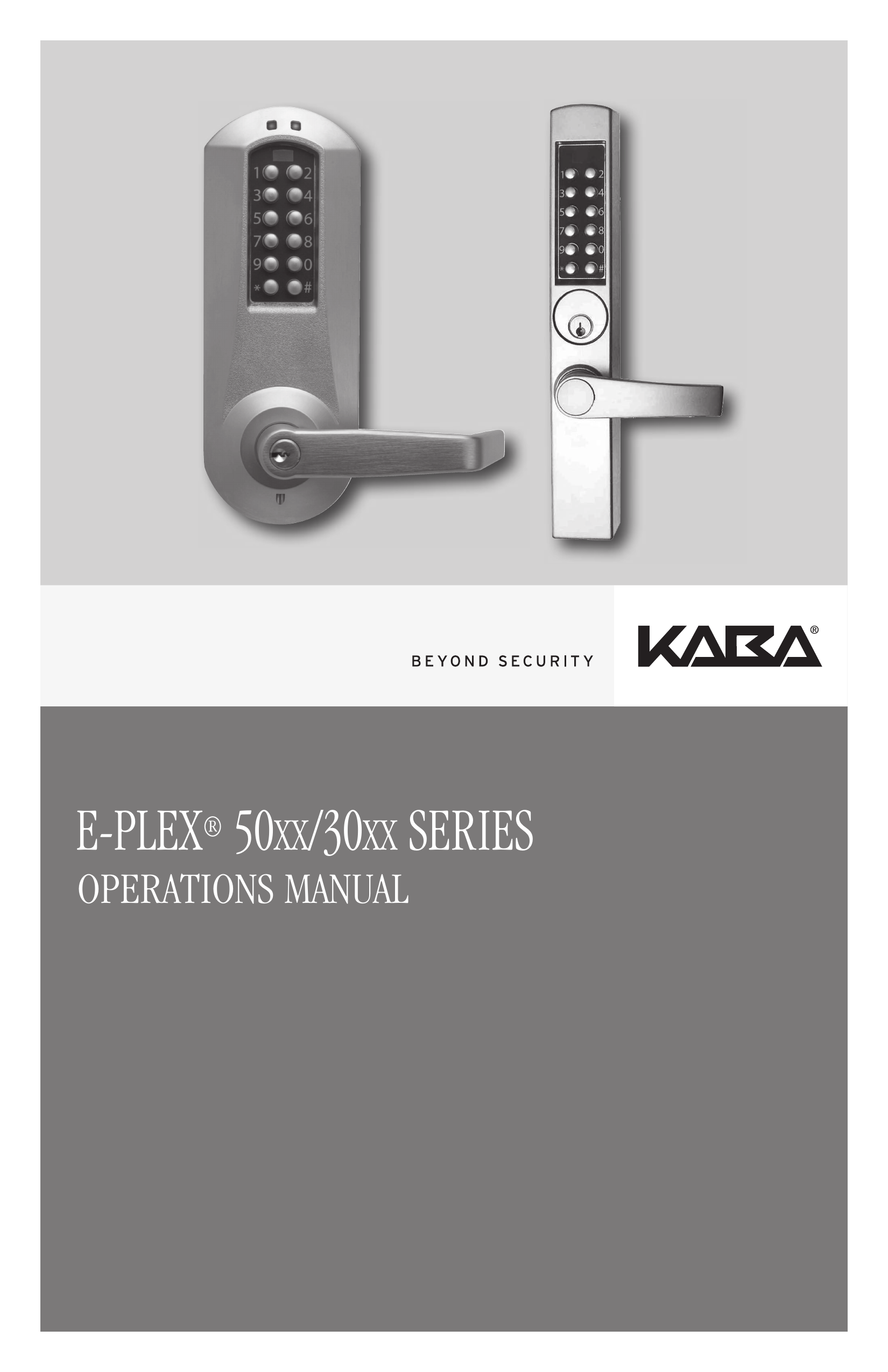
Dormakaba Eplex 3000/5000 Manual

eplex 3000 manual
eplex 5000 manual
Page from a technical manual with a table of contents listing procedures related to access codes, diagnostics, and lockout modes for E-Plex locks. The page includes a photograph of two businesspeople in a modern building with large windows, engaged in conversation.
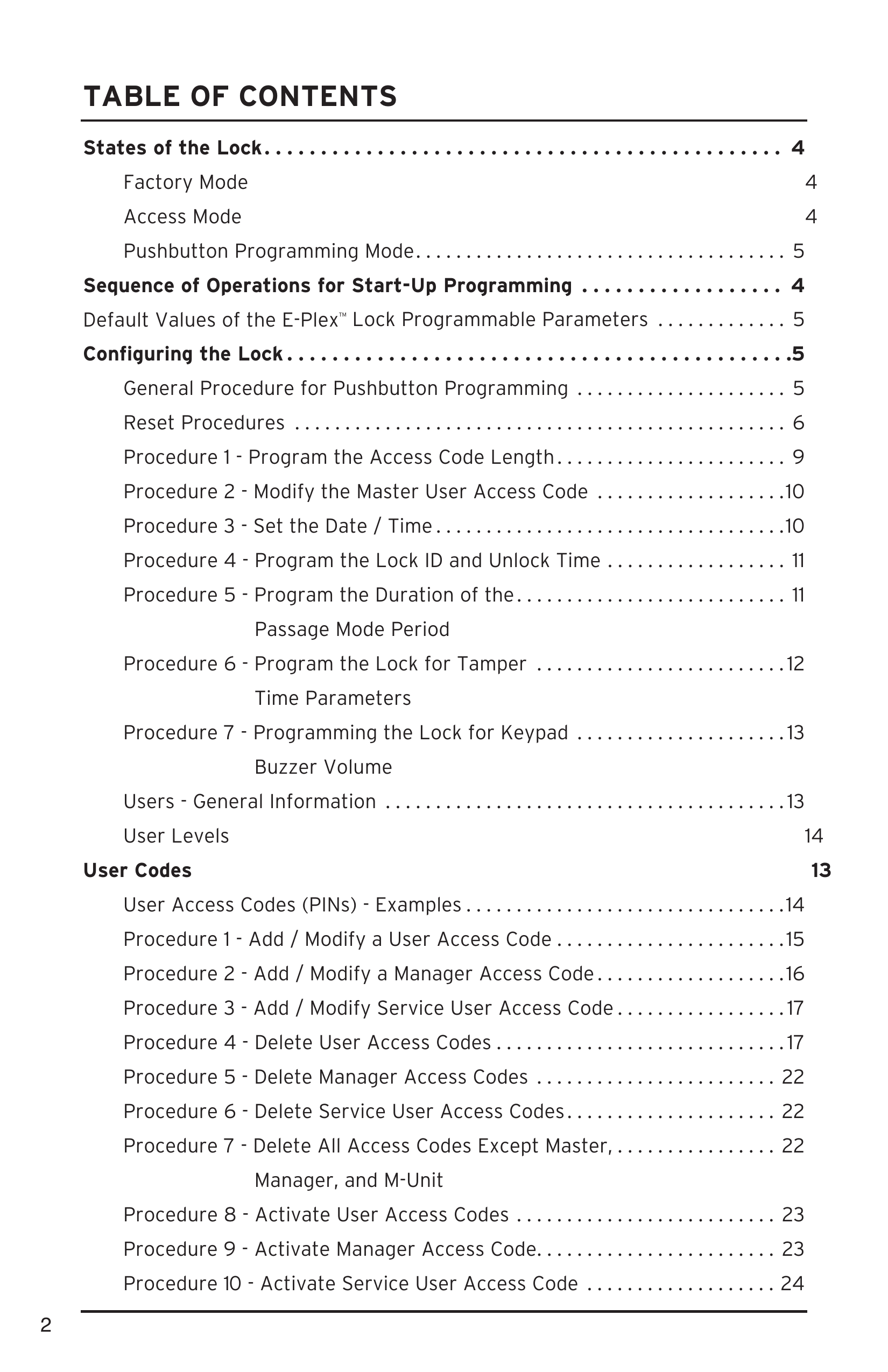
Technical manual page about the states of the lock with sections on factory mode, access mode, pushbutton programming mode, and start-up operations, including instructions and descriptions.
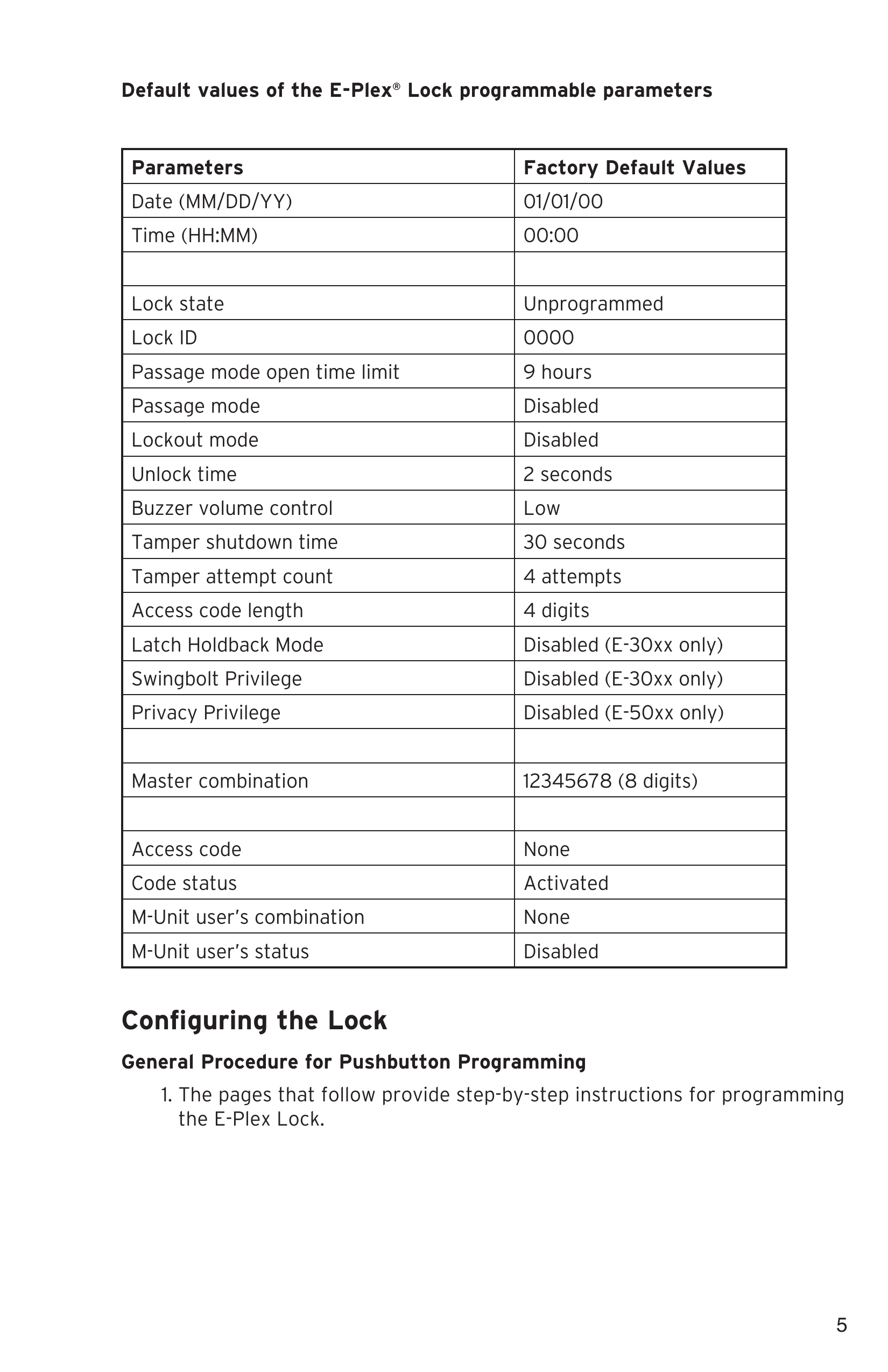
A table showing default configuration parameters for the E-Plex Lock, including date, time, lock state, lock ID, and various mode settings with their factory default values.
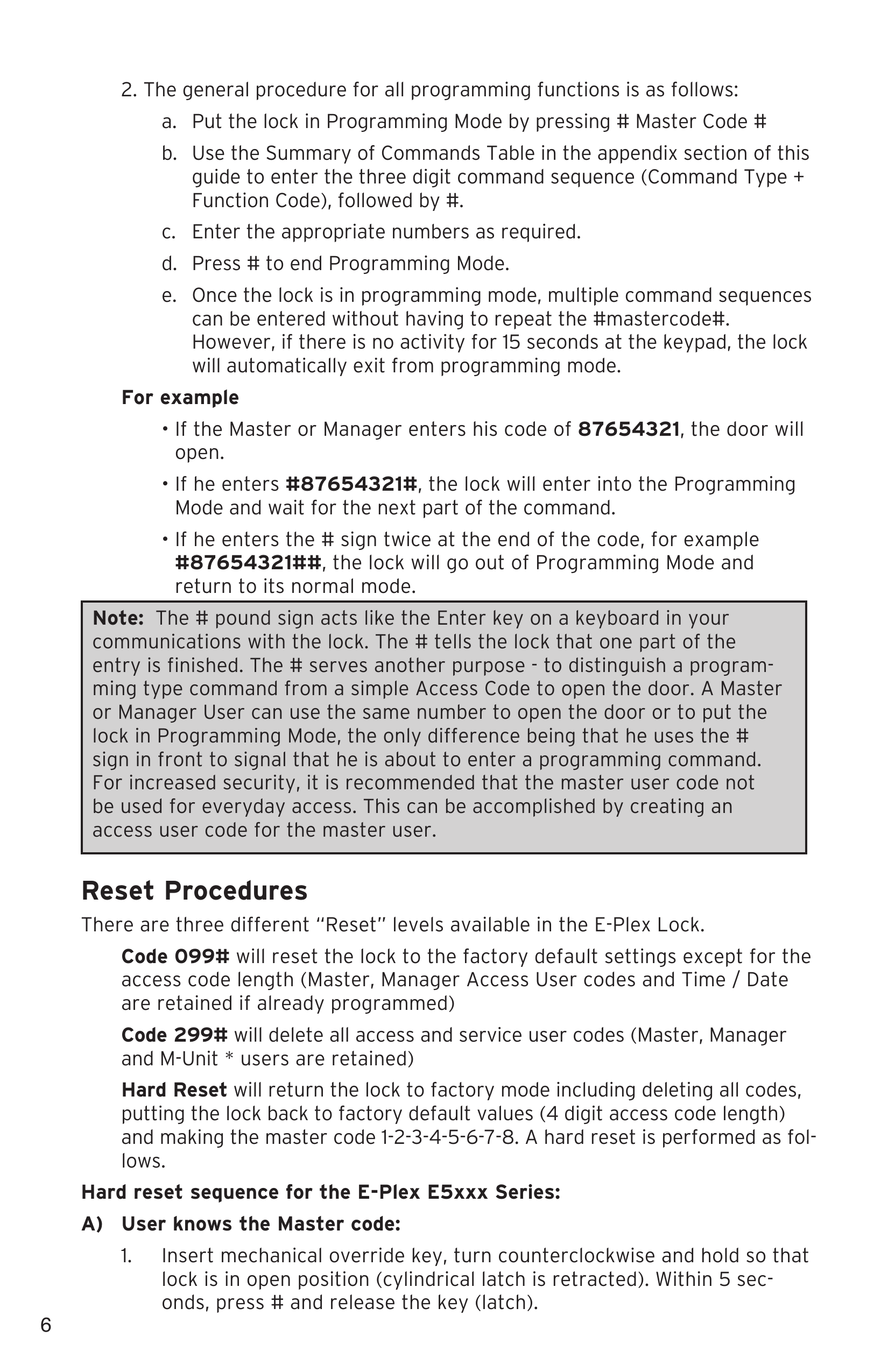
Page from a technical manual or guide with instructions on programming, lock operation, and reset procedures for an E-Plex Lock system, including numbered steps and examples.
Page of a manual with instructions for a lock, showing detailed procedural steps and explanations.
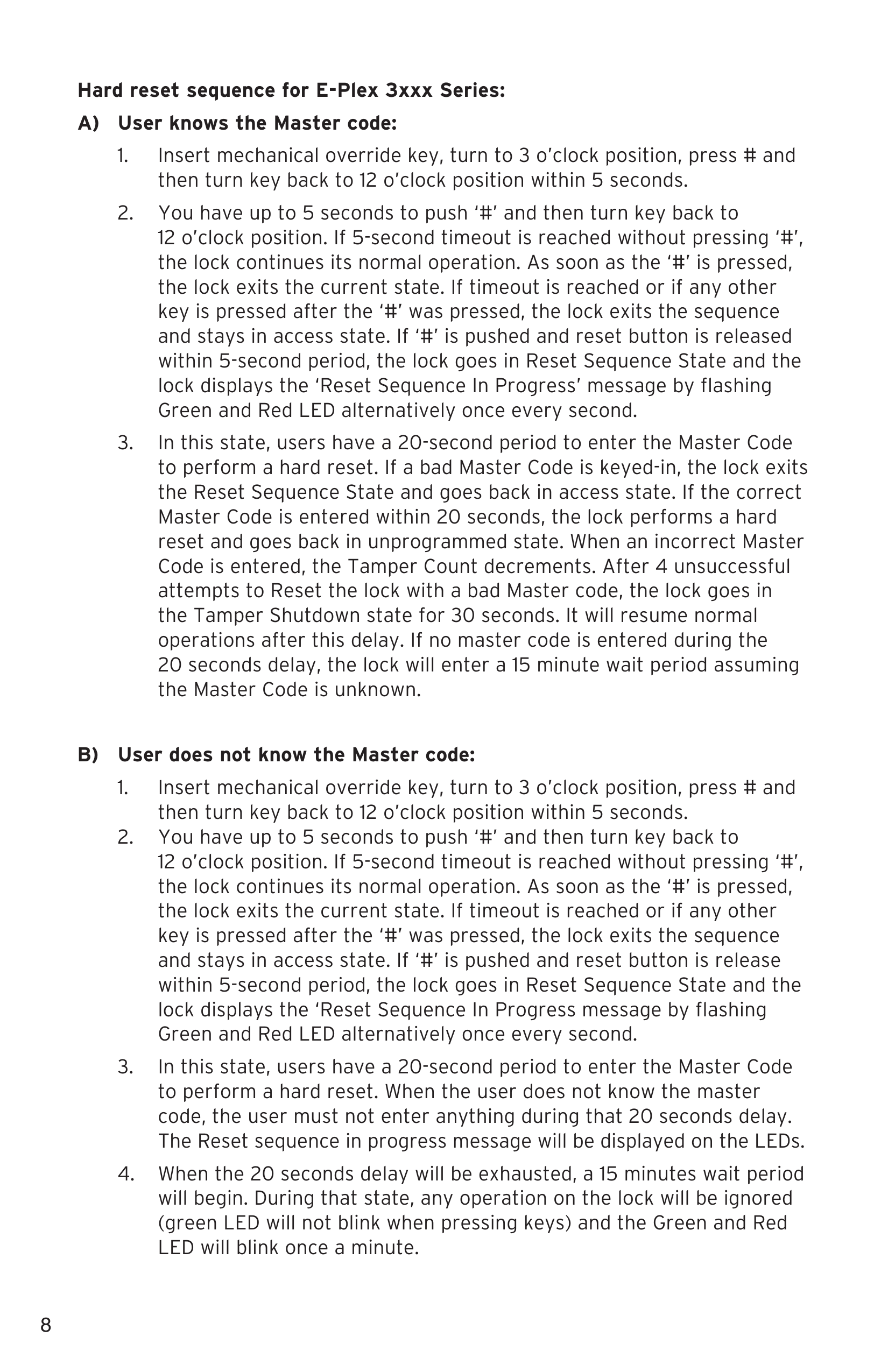
Page showing instructions for hard reset sequence for E-Plex 3xxx Series lock, including steps for users who know or don't know the Master code.
A digital instruction manual page with step-by-step instructions for programming access codes on an electronic lock, including text about entering a factory default code, changing code length, and keying in new codes.
Text excerpt from a manual detailing procedures for modifying a master user access code and setting date/time, with numbered instructions and examples.
Page from a manual with instructions for programming a lock's ID, unlock time, and duration of passage mode, including commands and examples.
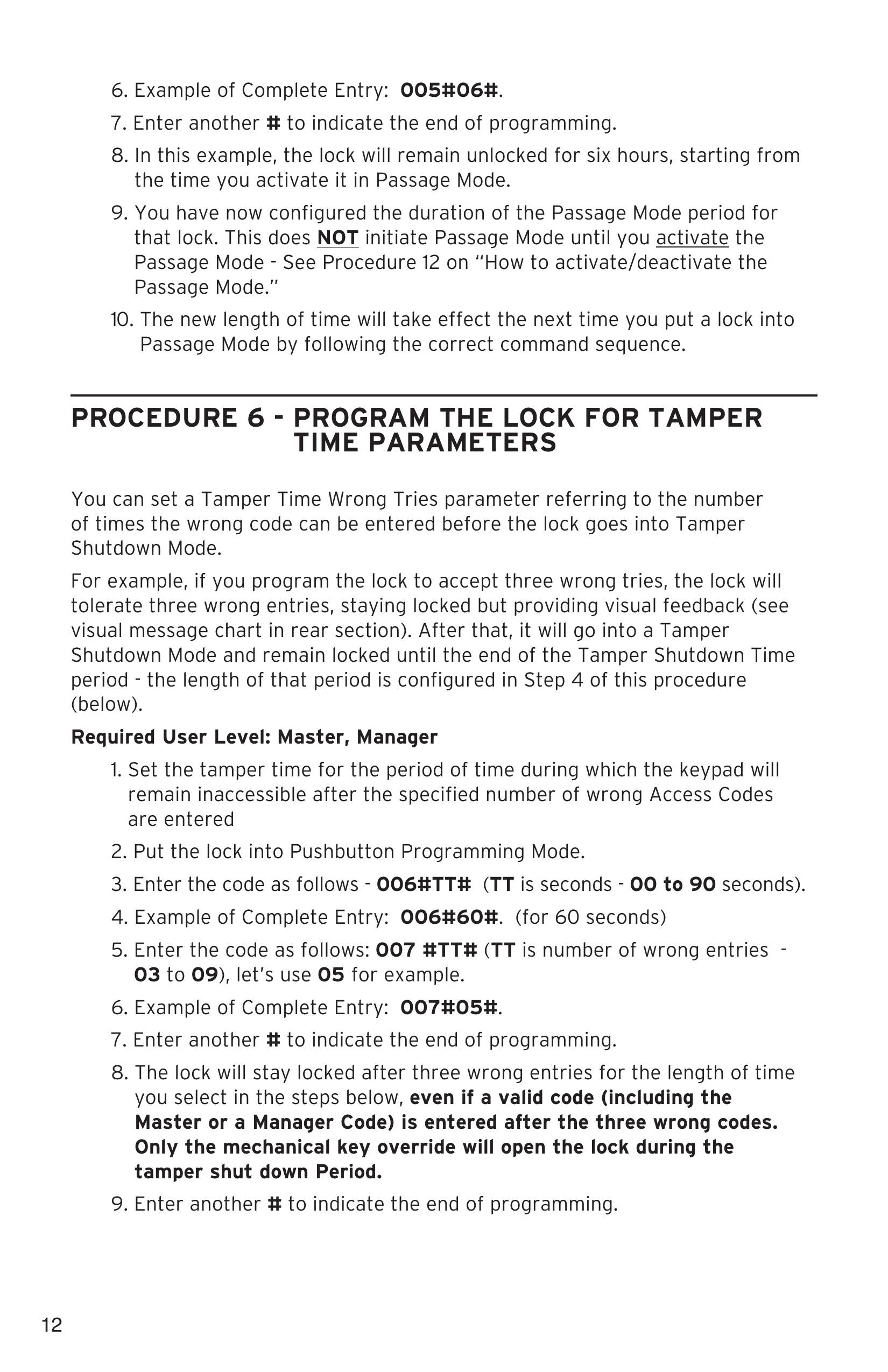
Page from a manual with instructions on programming lock tamper time parameters, including examples of code entries and step-by-step procedures for setting codes and lock behavior.
Page from a manual detailing procedures for programming a lock's keypad buzzer volume, including step-by-step instructions and user guidelines.
Page from a manual detailing user levels and access codes for lock management, including Master User, Manager, Access User, Service User, and M-Unit User, with an example Master Code 0004992.
Table showing examples of user access codes, their length, sample codes, and acceptable/unacceptable codes. Instructions for adding or modifying user access codes follow the table.
Page with instructions for programming a user access code, titled 'Required User Level: Master, Manager,' with numbered steps and examples for setting and modifying access codes, including commands like '100#,' '101#,' and access code formats like '1224#.'
Page from a procedural document detailing steps to add, modify, or delete a service user access code, including command inputs and user level requirements.
Page of a document with a warranty statement for KABA SIMPLEX and E-PLEX series locks, covering terms, conditions, and contact information.
This is a scanned or printed warranty or guarantee card from a data access and systems company. It includes company information in Winston-Salem, North Carolina, with a contact phone number. There is a section for an address stamp to be placed.
This is a registration form for online Kaba lock system at www.kaba-adsembler.com. The form includes fields for user information such as name, email, phone, address, city, state, country, and postal code. It also asks about the reason for buying the lock, whether it's for a new installation or replacement, and includes checkboxes for different reasons. The form contains instructions for users on how to learn about Kaba locks and their features.
A blank lined notepad page titled 'Notes' with a page number '21' in the bottom right corner.
A page from a manual or procedures document detailing steps for deleting manager access codes, including commands and example ID formats, with instructions on removing access and considerations for re-creating codes.
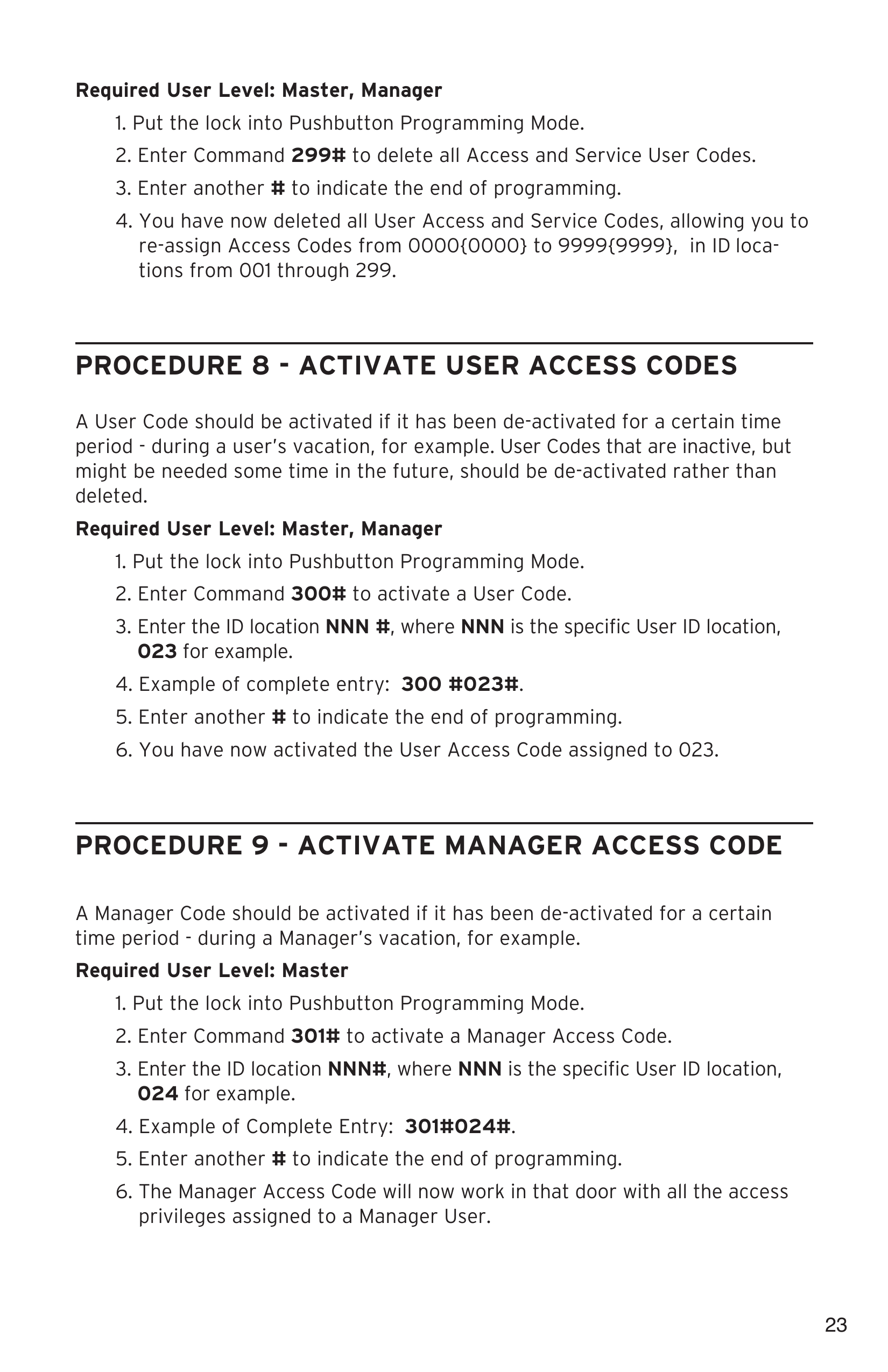
Page from a technical manual detailing procedures for activating user access codes for managers, including steps for entering commands, user ID locations, and example entries for both master and manager levels.
Page from a manual or guide detailing procedures for activating service user access codes, including steps for entering commands and examples of complete entries for specific user IDs.
A page from a technical manual detailing procedures for activating and deactivating user access codes at different user levels, including Master, Manager, and Administrator.
Page from a technical manual outlining steps for deactivating service user access codes, including commands and example entries for different user levels.
Page from a manual providing instructions for performing manual diagnostics on a lock, with steps including entering a diagnostic code and observing LED indicators, followed by information on battery life and replacement.
A printed instructions page from a manual or guide, detailing procedures for operating a specific lock called E-Plex 3000 with swingbolt operation, including disengage, engage, and lock/unlock instructions.
A document page with a warning box at the top, and a paragraph of technical instructions about engaging a swingbolt and using a mechanical override key, with page number 29 at the bottom.
A page from a manual titled 'Summary of Pushbutton Programming Commands', listing command names, their commands, descriptions, and authorizations in a table. Commands include Configure, Date setup, Time setup, Lock ID setup, Unlock time setup, Passage Mode Timeout setup, Tamper time setup, Buzzer volume control, Modify access length, and Reset to factory default values.
A table titled 'Summary of Pushbutton Programming Commands' listing different user access codes, their descriptions, and associated command numbers, including Add/Modify Users and Delete Users with specific command codes and descriptions.
A page from a technical manual listing pushbutton programming commands, including commands for activating and deactivating user access, M-unit codes, lockout modes, diagnostics, and communication startup, with command numbers, descriptions, and authorized personnel.
A table titled 'Visual Feedback Message Definitions' listing various conditions related to LED indicators, access control, programming, tampering, communication, and resetting, along with their parameters such as LED states, duration, and rate of occurrence.
A user list table with columns for User #, Access Code, User Name, and User Type, containing user entries from 001 to 013, arrows pointing down, and the number 299 at the bottom. Below the table, text promoting the E-Plex Standard software for programming and maintaining doors and users, with a website link www.e-plexlock.com.
A blank page with lines and the word Notes at the top, resembling a writing or note-taking page.
Cover page of Kaba Access & Data Systems Americas brochure with company logo, address, and contact information on a gray background.